Blog · Review responses
How to Respond to Google Reviews (Positive, Negative and No-Comment Ratings)

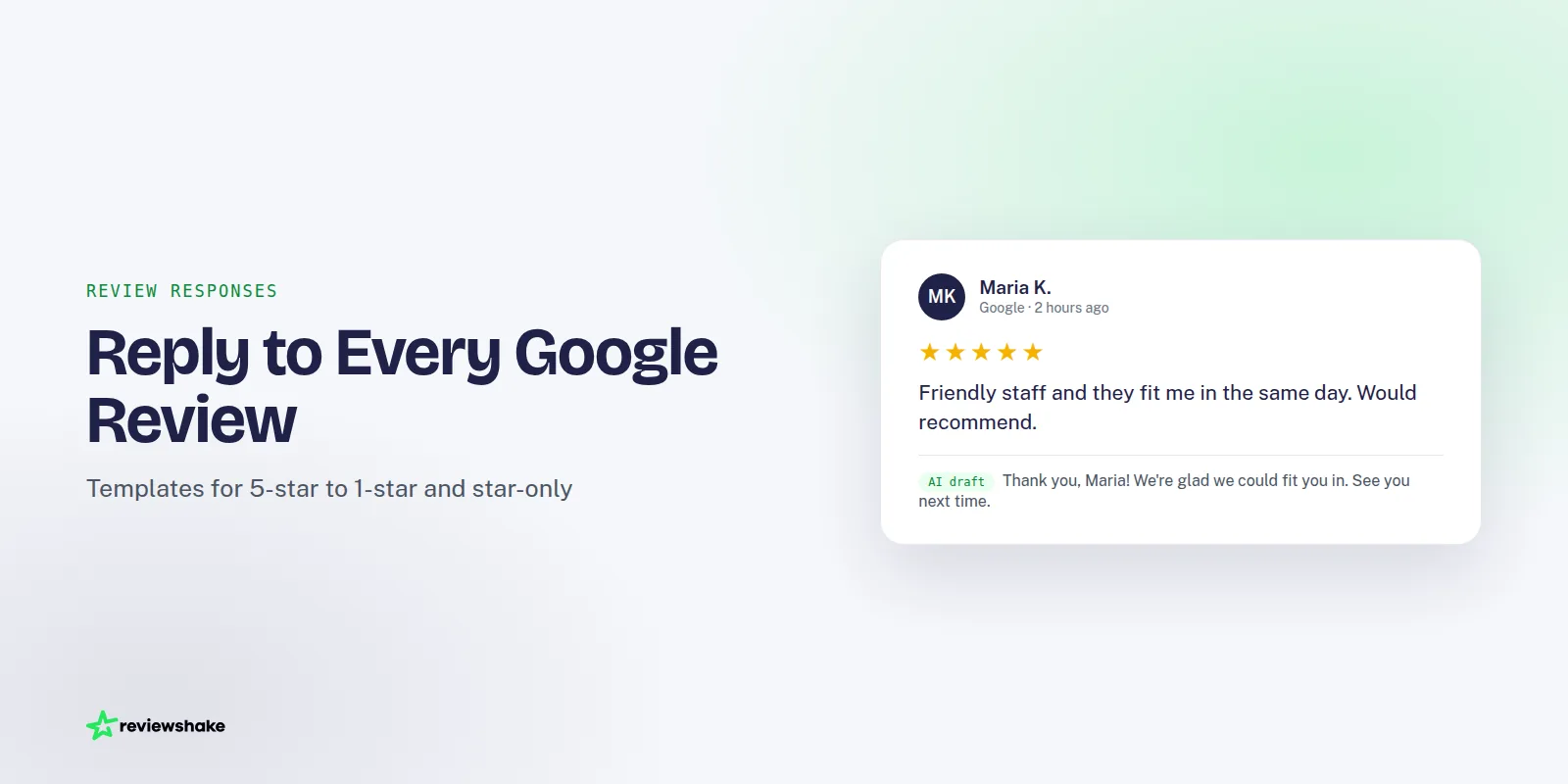
Every Google review is a small public conversation, and your reply is the part future customers read right alongside it. A thoughtful answer shows that someone is paying attention. A missing one, or a defensive one, tells people the opposite.
This guide covers how to respond to Google reviews in practice. We start with where the reply box lives, then walk through what to write for 5-star, 3-star, 1-star and star-only reviews, how Google tells the reviewer, and when you should report a review instead of answering it.
Where the reply box is in your Business Profile
You can only reply to reviews on a profile you own or manage. Sign in with the Google account that has access to the profile, and use whichever route is easiest for you.
From Google Search or Maps on desktop
- Sign in to the Google account that manages your Business Profile.
- Search for your business name on Google. Your profile appears with a management panel.
- Open the reviews section (look for the reviews option in the panel).
- Find the review and click Reply.
- Type your response and click Post reply.
From the Google Maps app
Open Maps, switch to your business profile, and go to the reviews list. Each review has a reply option underneath it. Menu names shift from time to time, so if something looks different, Google's own page on reading and replying to reviews is the current reference.
You can edit or delete your reply later from the same place. That matters, because it means a reply is never final. If you wrote something in a hurry, fix it.
How to reply from Reviewshake
If you look after several locations, or several clients, opening each profile one at a time gets old quickly. This is the job a reputation management inbox is built for.
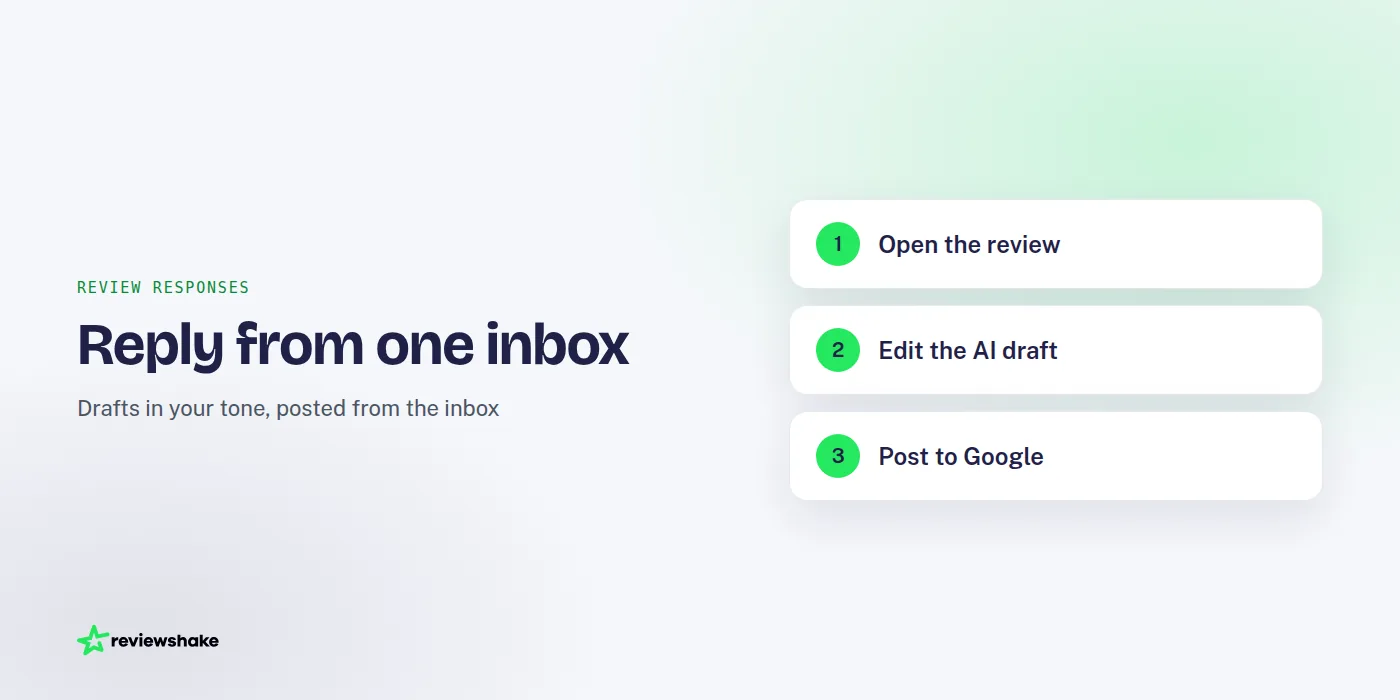
Reviewshake pulls reviews from Google, Facebook and 100+ review sites into one inbox. New reviews are imported every 12 to 24 hours depending on the source, and you can get email alerts for new and negative reviews (Slack and webhooks are optional).
- Open the review in your inbox.
- Click to generate an AI-drafted reply written in the business's tone.
- Read it, edit it, and add one genuine detail from the customer's visit.
- Post it. For Google and Facebook, replies go straight from the inbox. For other sites, you get a one-click link to the reply page.
The AI draft is a starting point, not a finished answer. We always suggest a human reads it before it goes out, especially on negative reviews. For more on this, see our guide to automating AI review responses while keeping your brand voice.
You can see how the workflow fits together on the review monitoring and response page.
What to write: a simple structure for every reply
You do not need a different formula for every review. Almost every good reply follows the same four moves.
- Greet by name. Use the reviewer's first name as it appears on the review.
- Thank them or acknowledge the issue. Say it plainly, without a speech.
- Add one specific detail. Mention the service, the product or the situation they described. This is what separates a genuine reply from a copy-paste one.
- Close with a next step. An invitation to return for happy customers, a direct contact for unhappy ones.
Keep replies short. Two to four sentences is plenty for most reviews, and the reviewer is rarely the only reader. Prospective customers skim.
Things to avoid
Do not argue facts in public, even when you are right. Do not include private details such as appointment times, order contents or medical information. Do not paste the same reply under every review, because it is easy to spot and reads as indifferent.
Also avoid offering compensation in the reply itself. Move that to a private channel.
Google review response examples by star rating
These are short templates. Swap in your own details and make them sound like you.
5-star reviews with text
Thanks, Maria. We are glad the new boiler install went smoothly, and we will pass your kind words on to Tom and the team. If you ever need a hand, you know where we are.
Mention what they praised, thank any staff they named, and stop. A 5-star reply does not need a sales pitch.
3-star reviews
Three stars usually means a mixed experience. The reviewer is often persuadable, so these are worth the extra minute.
Hi Dan, thank you for the honest feedback. We are glad the food was good, and sorry the wait for your table was longer than it should have been. We are looking at how we handle Friday evenings. If you would like to tell us more, email us at the address on our profile and we will read it personally.
Acknowledge both halves: what went well and what did not. Do not get defensive about the part you disagree with.
1-star reviews with text
Hi Priya, we are sorry your visit fell short. That is not the standard we aim for. Please call us on the number listed on our profile, or email us, and ask for the manager. We would like to understand what happened and make it right if we can.
Stay calm, apologize for the experience (not necessarily for every claim), and take the conversation offline. Write the reply for the next customer who reads it, not for the angry reviewer. For many more variations, see our post with 17 negative review response examples.
Star-only reviews with no comment
Plenty of Google reviews are just a rating and nothing else. You can still reply, and it is usually worth doing, because it shows you notice every customer.
| Rating | Sample reply |
|---|---|
| 5 stars, no text | Thank you for the 5 stars, Alex. We really appreciate you taking the time. See you next visit! |
| 3 stars, no text | Thanks for rating us, Sam. We would love to know how we could have made it a 5. Feel free to reach out directly if you are happy to share. |
| 1 star, no text | Hi Jordan, we are sorry we let you down. We cannot see what went wrong from the rating alone, so please contact us and we will do our best to put it right. |
Do not guess at what the problem was. Ask, once, and leave the door open.
If you want a larger bank of wording for happy customers, our guide to nine positive review response examples goes deeper. Our free Google review reply templates are also there if you want something to start from.
What happens after you reply: how Google notifies the reviewer
When you post a reply, Google lets the reviewer know that the business has responded. Depending on the reviewer's settings and how they use Google, that can show up as a notification or an email. Your reply also appears publicly beneath their review, marked as coming from the owner.
Two practical points follow from this.
- The reviewer may come back. Because they get notified, a respectful reply can lead to an edited review. Google lets reviewers update their rating and text, so a sincere reply is never wasted.
- Editing your reply may notify them again. Treat the first version as the one they will read, and take a moment before posting.
Notification behavior is Google's to change, so do not promise customers that they will definitely see your response. Simply write as if they will.
When to report a review instead of replying
Not every bad review deserves a thoughtful answer. Some break Google's rules, and the right move is to flag them rather than engage.
Consider reporting a review when it:
- Contains hate speech, threats, harassment or sexual content.
- Is clearly spam, advertising or off-topic.
- Appears to come from a competitor, a former employee with a grudge, or someone who has never been a customer.
- Shares someone's private information.
- Has a conflict of interest, such as a review from the owner or staff.
Google lists what is and is not allowed in its prohibited and restricted content policy. Read it before you flag, because a review that is merely unfair or harsh usually stays up.
If a review is genuine but wrong on the facts, reply once, calmly, with your side. If it breaks policy, report it. If it does both, you can do both.
Frequently asked questions
Do I have to reply to every Google review?
No rule says you must, but replying to all of them is a good habit. Prioritize negative and mixed reviews first, since those are where a response changes the most minds. Then work through the positive ones when you have time.
How quickly should I reply?
As soon as you can do it well. A prompt reply looks attentive, but a rushed, angry one does more damage than a reply that arrives a day later. Email alerts for new and negative reviews help you spot problems early without checking profiles by hand.
Can I reply to a review I think is fake?
You can, and a short, neutral reply such as "We cannot find a record of this visit, please contact us" is reasonable. Also report it if it breaks Google's policies.
Can I edit or delete my reply?
Yes. You can change or remove your reply from the same place you posted it. If you spot a typo or a tone problem, fix it rather than leaving it up.
Make replying a routine, not a chore
The businesses that handle reviews well are not more eloquent. They just have a routine: someone sees each review, a reply goes out, and the tone stays consistent.
If you manage a handful of profiles, the steps above are enough. If you manage dozens, or you run an agency with clients, a single inbox with drafted replies saves a lot of effort. Reviewshake is reputation management software for agencies and the businesses they serve, with plans from $29/month per location, agency plans from $199/month (fully white-labelled), and a 14-day free trial with no credit card and no contract. You can start with the free Google review tools first if you just want templates.
More reviews. Better replies. Recommended by Google and AI.
AI answer engines and Google decide who to recommend by reading reviews. Reviewshake collects yours from 100+ sites, drafts the replies, asks happy customers for the next one, and runs white-labelled for agencies. 14 days free, no credit card.
Start free trial