Blog · Google reviews
Can You Turn Off Google Reviews? No, and Here Is What to Do Instead


Short answer: no. A business cannot turn off, disable or hide Google reviews on its Business Profile. Reviews belong to Google and the people who wrote them, not to the business, and Google does not offer a switch. This guide explains why, what happens if you delete the profile instead, the rare cases where reviews are paused, and the five things you can actually do when reviews are a problem.
Why Google will not let you disable reviews
Google Business Profile exists so that people searching for a business can see what other customers experienced. If businesses could hide reviews, the ones with the most to hide would be the first to do it, and the whole system would stop being useful. So reviews are tied to the place, not to the owner's account. You can claim the profile, reply to reviews and report ones that break the rules, but you cannot opt out.
The same applies to the star rating. It is calculated from all live reviews and cannot be removed from search results or Maps while the business exists on Google.
What happens if you delete your Business Profile
This is the first thing people try, and it does not work. Removing your profile from your Google account only removes your access to manage it. The listing stays on Maps as an unclaimed business, the reviews stay with it, and the star rating still shows in search. Marking the business as permanently closed keeps the reviews too, and adds a "permanently closed" label that costs you customers.
Google removes a place from Maps only when it no longer exists or was never a real business. A listing for an operating business will be kept, and if you remove your claim, anyone can request to manage it.
When Google pauses reviews itself
You will occasionally see a Business Profile where new reviews are temporarily unavailable. Google does this on its own, usually when it detects a sudden wave of reviews that look coordinated, for example after a business is in the news. It is a protection against review-bombing, not a feature a business can request, and it ends when Google decides the activity has returned to normal.
What you can do instead
1. Report reviews that break Google's rules
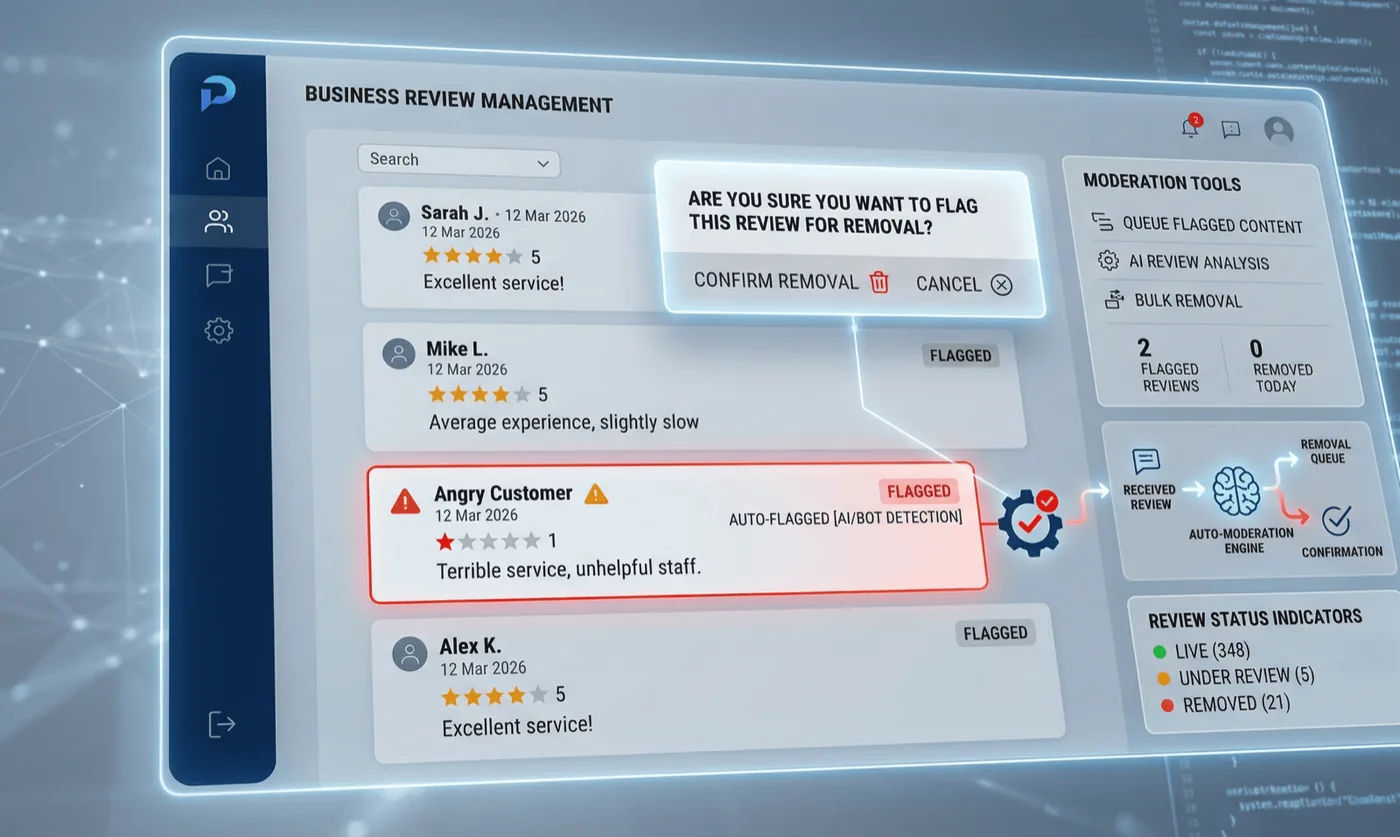
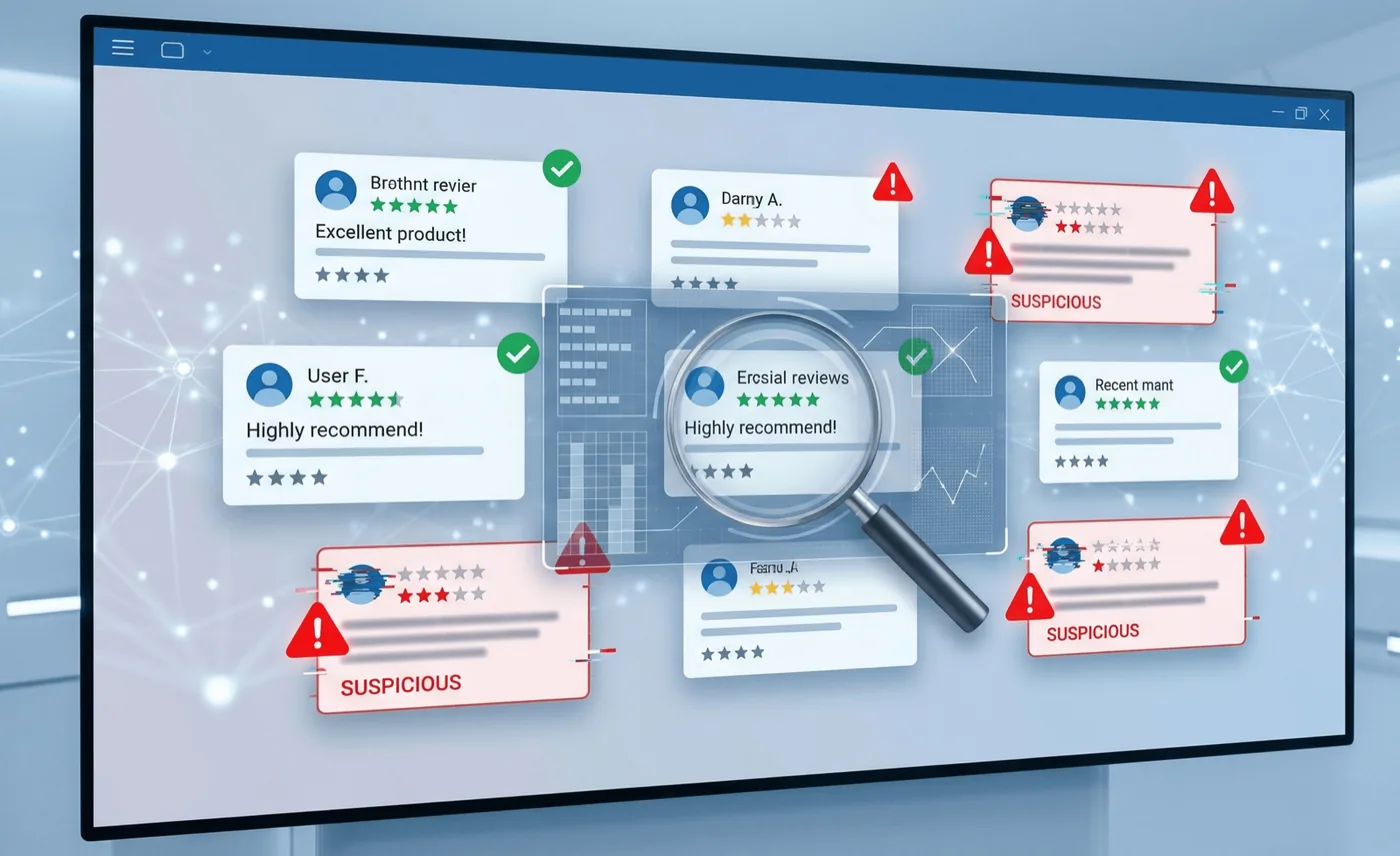
Google removes reviews that violate its content policy: spam, fake or paid reviews, conflicts of interest, off-topic content, harassment, hate speech, personal information and reviews about a different business. Open the review on your profile, use the three-dot menu, choose Report review and pick the reason. Google's reviews management tool in the Business Profile Help Center lets you check the status of each report and appeal once if it is rejected.
Be realistic about what qualifies. "The customer is wrong" is not a policy violation. "The reviewer has never been a customer and is a competitor's employee" is. Our guide to Google review removal walks through the reporting process and what to include.
2. Reply to every review, especially the bad ones
Readers judge a business by how it answers criticism more than by the criticism itself. A calm, specific reply that acknowledges the problem, says what you have changed and invites the customer back does more for the next reader than hiding the review ever could. Reply to the positive ones too; profiles that respond tend to receive more reviews.
3. Outnumber the bad reviews with real ones
A one-star review on a profile with twelve reviews is a disaster. The same review on a profile with two hundred is a footnote. The lasting fix for a damaging review is a steady flow of genuine ones. Ask every customer after their visit, by email or SMS, with a direct review link, and keep asking month after month. Within a quarter the rating reflects your actual customers.
4. Catch problems before they become reviews
Ask for private feedback first. A short "how did we do?" message that offers a feedback form alongside the public review link gives unhappy customers somewhere to vent where you can fix it. The public option must always be there, since Google forbids steering only happy customers to reviews, but most people who are offered a direct line to the owner take it.
5. Escalate the genuinely unlawful
Defamatory statements, threats and reviews containing private data can be reported through Google's legal removal request process, separate from the policy reporting above. Have the evidence ready. Google acts on court orders and clear legal violations; it does not act on disputes about service quality.
If reviews are the problem, watch them
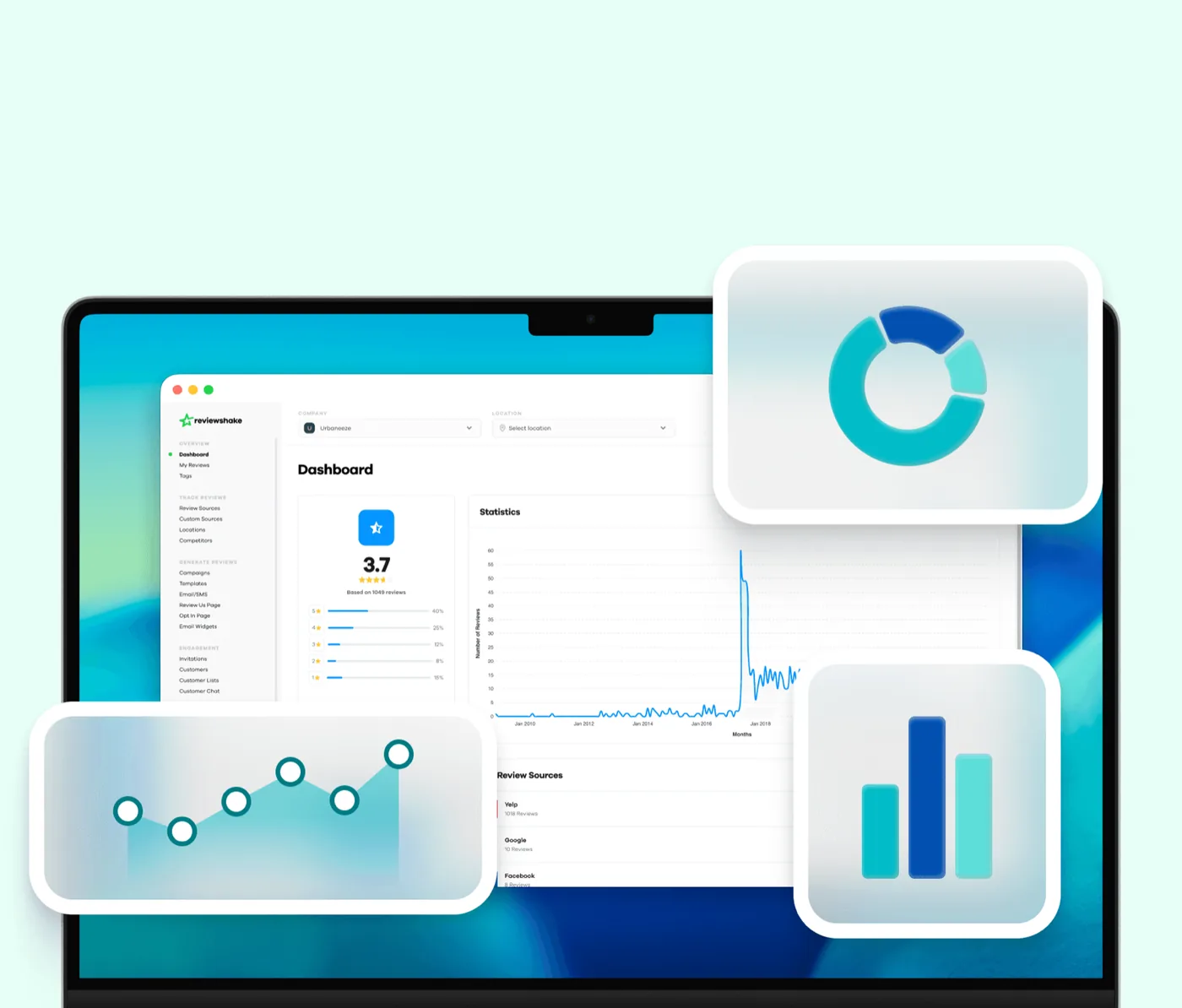
Most of the damage from a bad review happens in the days before the business notices it. Monitoring fixes that. Reviewshake pulls in new Google reviews every 12 to 24 hours, emails you when a negative one arrives, drafts the reply for you, and runs the request campaigns that keep the genuine reviews coming. Turning reviews off is not possible. Being the business that answers within a day is.
Frequently asked questions
Can I turn off Google reviews temporarily?
No. There is no temporary or permanent switch for business owners. Only Google can pause reviews on a profile, and it does so on its own judgement.
Can I hide my star rating on Google?
No. The rating is calculated from live reviews and shown wherever the profile appears. It changes only when reviews are added or removed.
Can I stop a specific person from reviewing my business?
No. You can report a review they post if it violates policy, and you can report harassment, but you cannot block an account in advance.
Can I turn off reviews on Facebook instead?
Yes. Facebook lets a Page turn Recommendations off, which hides all of them, good and bad, until you turn them back on. Google does not offer the equivalent.
Will a new Business Profile start with zero reviews?
Only if it is genuinely a new business at a new address. Creating a duplicate profile for an existing business to escape reviews violates Google's rules and usually ends with the duplicate merged back into the original, reviews included.
More reviews. Better replies. Recommended by Google and AI.
AI answer engines and Google decide who to recommend by reading reviews. Reviewshake collects yours from 100+ sites, drafts the replies, asks happy customers for the next one, and runs white-labelled for agencies. 14 days free, no credit card.
Start free trialMore from the blog