Blog · Google reviews
How to Get Your Google Review Link and Share It (3 Methods)


The single biggest reason customers do not leave a Google review is friction. They mean to, they open Google, they cannot find the button, and they move on. A direct review link removes every step except the one that matters: writing the review. This guide shows you where to get your link, how to turn it into a QR code, where to put it, and the two rules that keep the reviews it brings in from being filtered.
What a Google review link is
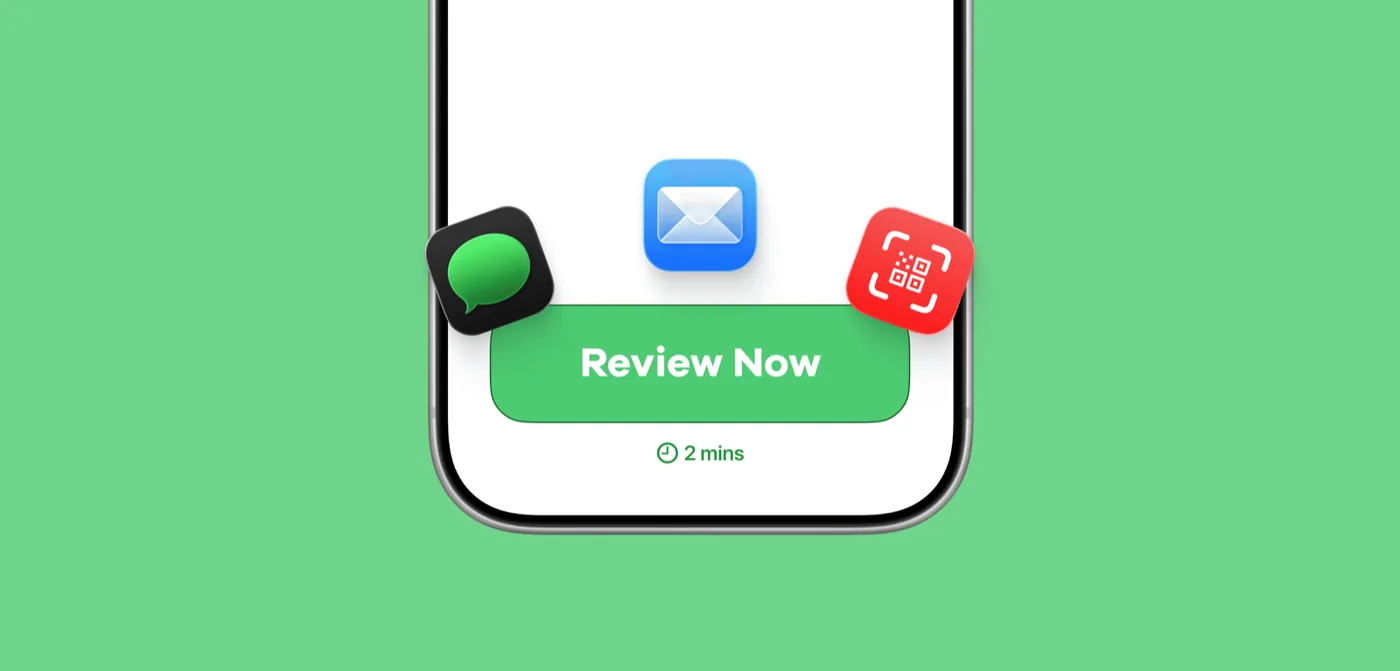
A Google review link is a URL that opens the "write a review" box for your Business Profile directly, with the five stars ready to tap. The customer does not have to search for you, scroll past your competitors or find the Reviews tab. If they are signed in to Google on their phone, it is one tap to the stars and one to post.
Google issues these links in a short form that looks like g.page/r/XXXXXXXX/review. There is also a longer form built from your Place ID, which is useful if you cannot reach the short one.
How to get your Google review link
Method 1: from Google Search (fastest)
- Sign in to the Google account that manages your Business Profile.
- Search for your business name on Google. Your profile panel appears with management options above the results.
- Click Ask for reviews (on some profiles it reads Get more reviews).
- Copy the short link Google shows. That is your review link.
Method 2: from the Google Maps app
- Open Google Maps on your phone and tap your profile picture.
- Tap Your Business Profile, then Customers, then Reviews.
- Tap Get more reviews and copy or share the link.
Method 3: build it from your Place ID
If you manage profiles for clients and do not have access to each one, you can build a link from the Place ID. Open Google's Place ID finder, search for the business, copy the Place ID, and paste it into this address:
https://search.google.com/local/writereview?placeid=YOUR_PLACE_ID
It opens the same review box. The address is long, so run it through a link shortener or a QR code before you use it on print.
Turn the link into a QR code
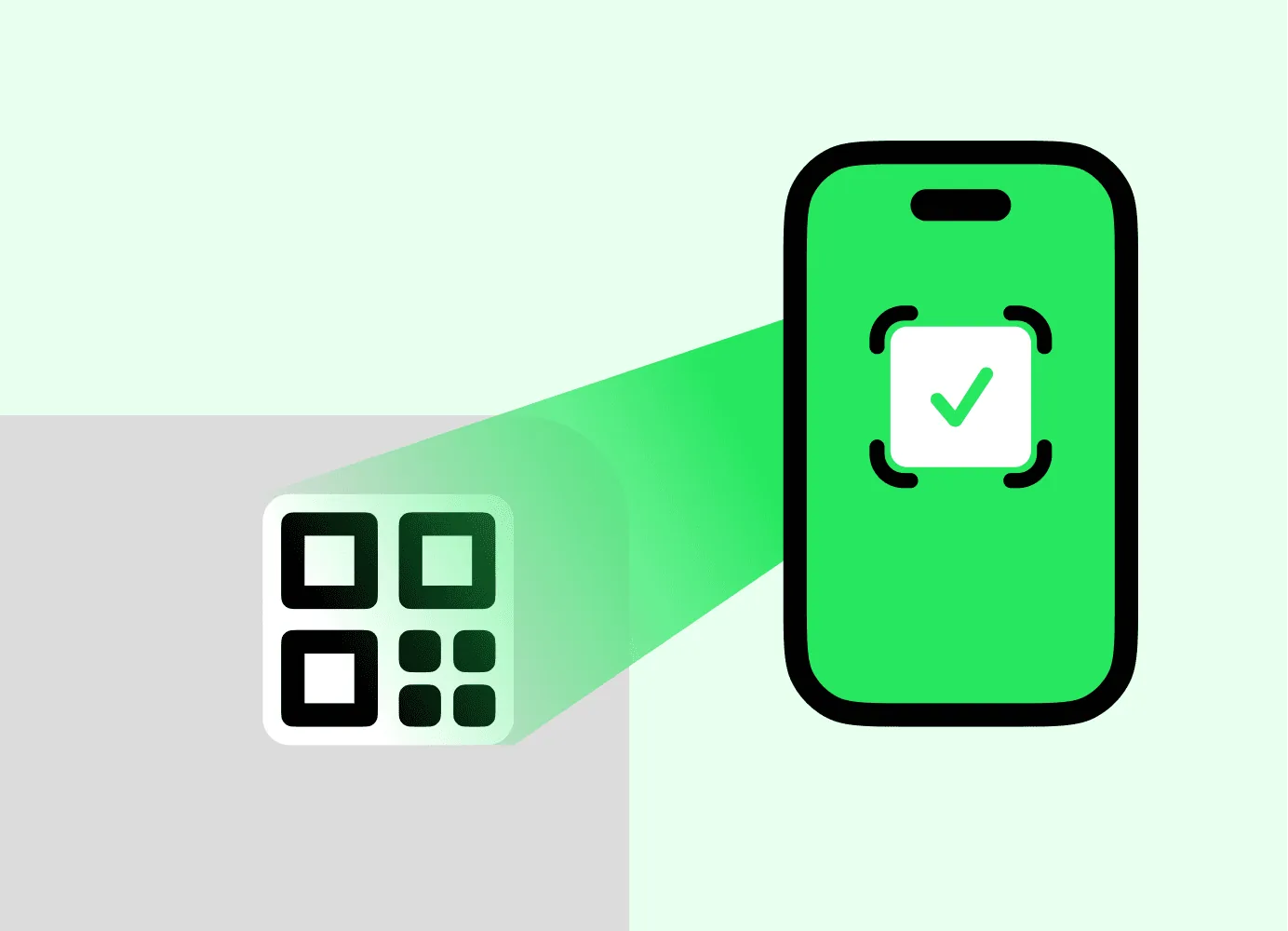
For anything a customer will see in person, a QR code beats a typed address. Paste your review link into any QR code generator, download the image at the highest resolution it offers, and test it with two different phones before you print. Keep the quiet zone, the white margin around the code, at least four modules wide, and never put the code on a curved surface or behind glare.
Where to put your review link
- The follow-up email or text after a visit. This is where most reviews come from. Send it a few hours to a day after the service, when the experience is fresh and the customer is on their own phone.
- Receipts and invoices. A line at the bottom with the QR code and "How did we do?" costs nothing and runs forever.
- Your email signature. Every reply you send carries the link.
- A button on your website. "Leave us a review" on the contact page and in the footer.
- Front desk and checkout. A small card or stand with the QR code. Ask customers to scan it and review later from home rather than on your Wi-Fi, which Google treats with suspicion.
- Thank-you cards and packaging for anything you ship or hand over.
- Social profiles. Pin a post or add the link to your bio once in a while, without turning every post into an ask.
How to ask so the review is actually posted
A link is only half the job. The wording around it decides whether the customer clicks, and whether Google keeps the review once they do.
- Ask everyone, not just the happy ones. Google's policy prohibits selectively asking for positive reviews or steering unhappy customers away from Google. You can ask for private feedback first, as long as the public option is always there.
- Do not offer anything. No discount, no draw, no free coffee. Any incentive makes every review from that campaign removable.
- Do not suggest wording or stars. "Tell us how it went" works. "Leave us five stars" does not, and it reads as a violation.
- Keep the message short. One sentence of thanks, one sentence of ask, the link.
- Send a reminder, once. A single follow-up three days later roughly doubles the response rate. A third message annoys people.
A simple template:
Thanks for choosing [business] today. If you have a minute, a quick Google review helps other people find us: [link]. Thank you, [name].

Doing this for more than one location
Every location has its own Business Profile and its own review link. Send customers to the location they visited, not to head office. If you manage several locations or clients, keep a list of links and the QR files in one place, and give each location its own request campaign so a slow month at one site is visible instead of hidden in the total.
This is what Reviewshake's request campaigns do: each location gets its own landing page and link, requests go out by email or SMS after each visit with one reminder, unhappy customers are offered private feedback first, and new reviews land in one inbox within 12 to 24 hours with the reply already drafted.
Frequently asked questions
Can I shorten my Google review link?
The link Google gives you is already short. If you built one from a Place ID, use any link shortener, ideally one on your own domain so the address looks like yours.
Does the review link work without a Google account?
No. Leaving a Google review requires a Google account. The link opens the sign-in screen for customers who are not logged in, then the review box.
Can I put the review link on a sign in my shop?
Yes, as a QR code. Encourage customers to scan it and review from home. Reviews posted from your own Wi-Fi or on a device at your counter are more likely to be held by Google's spam filter.
Why is my "Ask for reviews" button missing?
It only appears when you are signed in to the account that manages a verified profile. If the profile is unverified or suspended, verify or reinstate it first. Until then, use the Place ID method.
Is there a Google review link for Facebook or other sites?
Every review site has its own address. A review landing page that lists all of them, with Google first, is the easiest way to give customers one link that works everywhere.
More reviews. Better replies. Recommended by Google and AI.
AI answer engines and Google decide who to recommend by reading reviews. Reviewshake collects yours from 100+ sites, drafts the replies, asks happy customers for the next one, and runs white-labelled for agencies. 14 days free, no credit card.
Start free trial