Blog · Google reviews
How to Delete a Google Review: Yours, or One About Your Business


There are two very different questions hiding inside "how do I delete a Google review". If you wrote the review, you can delete it in a few taps. If someone wrote it about your business, you cannot delete it, but you can get Google to remove it when it breaks the rules, and there is a process for that. This guide covers both, plus what to do about a review that is unfair but not removable.
How to delete a Google review you wrote
On your phone
- Open the Google Maps app and tap your profile picture.
- Tap Your contributions, then Reviews.
- Find the review, tap the three-dot menu next to it, and choose Delete review. Choose Edit review instead if you only want to change the stars or the text.
On a computer
- Open Google Maps in a browser and click the menu in the top left.
- Click Your contributions, then the Reviews tab.
- Click the three dots next to the review and choose Delete review.
Deletion is immediate on your side and usually disappears from the business profile within a few hours. The business is not notified, and the review cannot be restored, so edit rather than delete if you might want it back.
Can a business delete a Google review?
No. A business owner cannot delete, hide or edit a review written by someone else. The only parties who can remove it are the reviewer and Google. What a business can do is report the review, and Google removes it if it violates the content policy. The rest of this guide is about making that work.
Which reviews Google will remove
Google's policy lists the categories it removes. The ones that come up most for businesses:
- Fake or paid reviews, including reviews from accounts created to post them.
- Conflict of interest: reviews by current or former employees, by competitors, or by the owner's friends and family.
- Off-topic content: political rants, reviews about a different business or a different location, complaints about a delivery courier rather than the shop.
- Harassment, hate speech and threats.
- Personal information such as names, phone numbers or addresses of staff.
- Spam and advertising, including links and promotional text.
What Google will not remove: a one-star review from a real customer who had a bad day, a review you think is exaggerated, or a review that is simply wrong about the facts. Those need a reply, not a report.

How to get Google to remove a review
Step 1: report it from your profile
Sign in to the account that manages the profile, open the review, use the three-dot menu and choose Report review. Pick the reason that matches the policy category. Be precise: "conflict of interest, this reviewer is an employee of a competing firm" gets further than "fake".
Step 2: check the report in the reviews management tool
Google's reviews management tool in the Business Profile Help Center lists your reported reviews and the decision on each. Decisions usually take a few days. If the report is rejected, the tool lets you appeal once; add any evidence you did not include the first time, for example a screenshot showing the reviewer's employment at a competitor.
Step 3: use the legal route for unlawful content
Defamation, threats and privacy violations can be submitted through Google's legal removal request form, separate from policy reporting. Google acts on court orders and on clear legal violations, and it will ask for specifics. It does not adjudicate disputes about service.
Step 4: ask the reviewer
If the review came from a real customer with a real complaint, the most reliable removal is the one the customer does themselves. Reply publicly, fix the problem, then ask politely in private whether they would consider updating the review. Many do. Never offer anything for it, and never demand it.
For a full walkthrough with screenshots, see our guides on Google review removal and removing bad reviews from your Business Profile.
What to do with a review you cannot remove
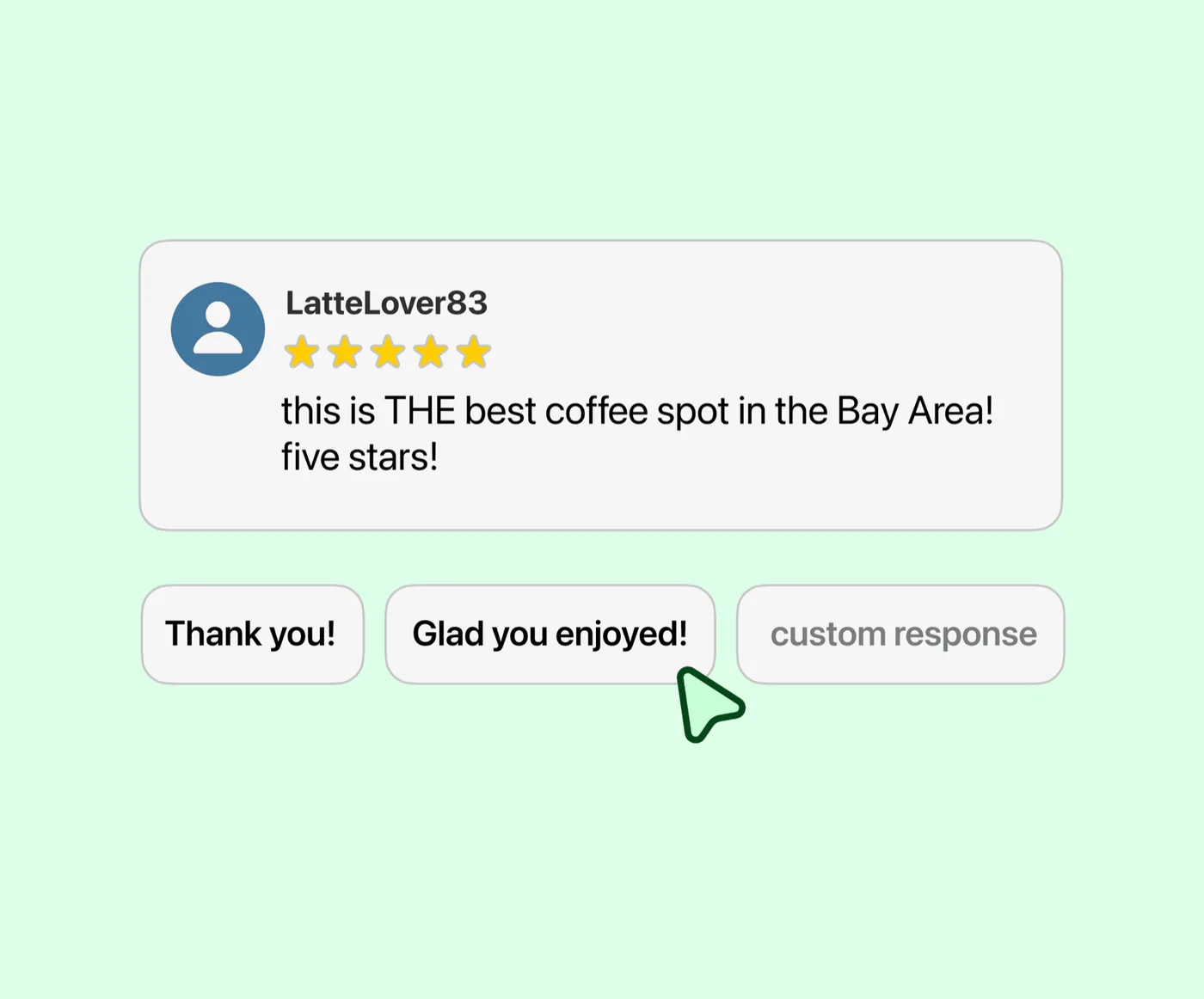
- Reply within a day. Thank them, acknowledge the specific problem, say what you changed, invite them back. Keep it short and never argue. You are writing for the next hundred readers, not for the reviewer.
- Bury it with real reviews. Ask every customer after every visit. A steady flow of genuine reviews pushes any single review down the list and dilutes its effect on your rating.
- Fix the cause. If three reviews mention the same wait time, the review is not the problem.
Frequently asked questions
How long does it take to delete a Google review?
Your own review disappears from your contributions immediately and from the profile within hours. A reported review takes Google a few days to assess, longer if you appeal.
Can I delete a Google review without a Google account?
No. Reviews are attached to the account that wrote them. If the account is deleted, its reviews go with it.
Can I delete all reviews on my Google Business Profile?
No. There is no way to clear reviews, and deleting or closing the profile does not remove them. See our guide on whether you can turn off Google reviews.
Does the reviewer know I reported their review?
No. Google does not notify reviewers when a review is reported. If the review is removed, it simply disappears from their contributions.
What if the review is about the wrong business?
Report it as off-topic and say which business it describes. Reviews posted to the wrong listing are one of the easier removals, especially when the text names the other business.
More reviews. Better replies. Recommended by Google and AI.
AI answer engines and Google decide who to recommend by reading reviews. Reviewshake collects yours from 100+ sites, drafts the replies, asks happy customers for the next one, and runs white-labelled for agencies. 14 days free, no credit card.
Start free trial