Blog · Reputation management
Reputation Management for Small Businesses: A Practical Weekly Playbook

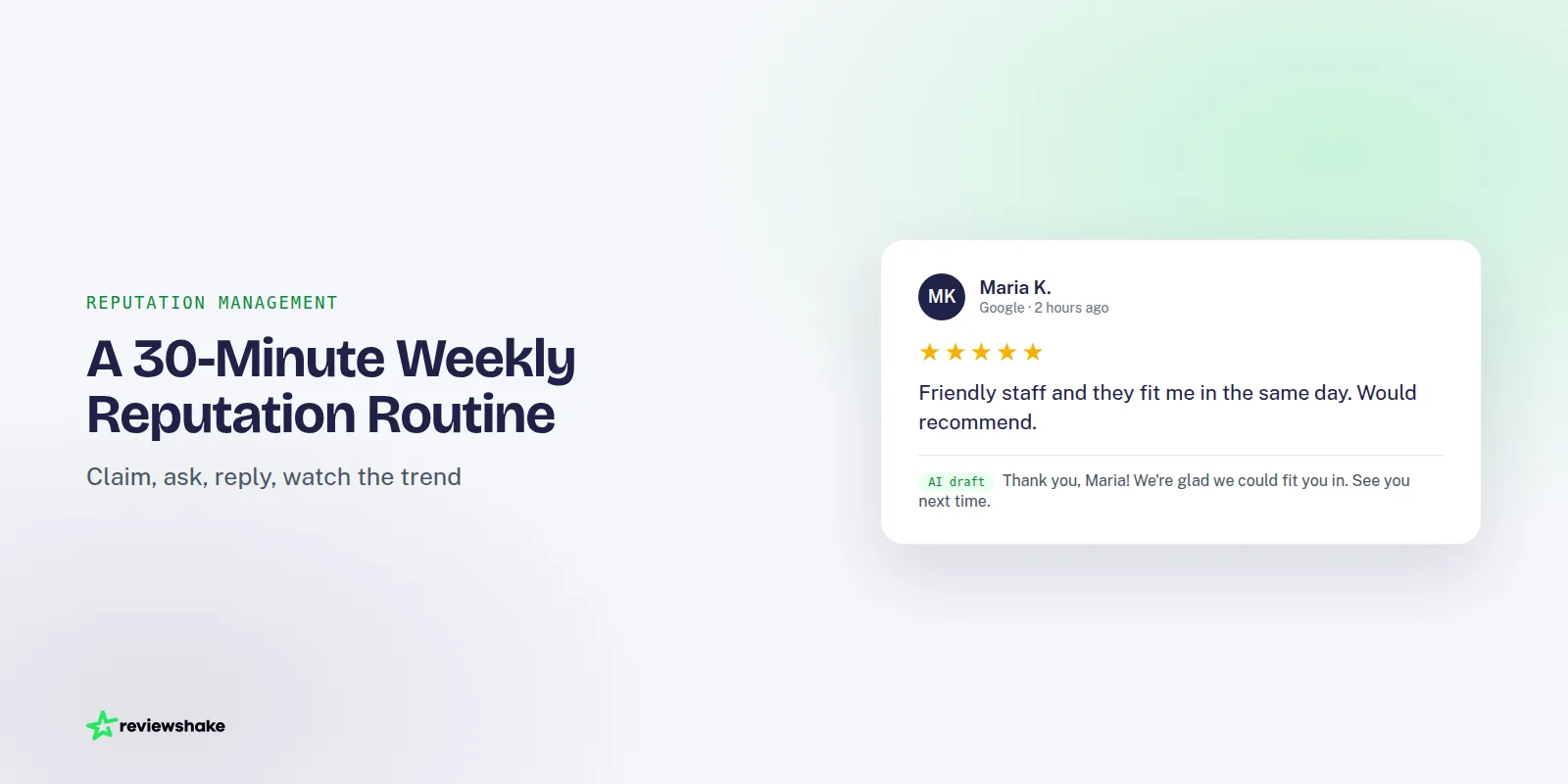
Most small business owners do not need a reputation department. They need a habit. Reputation management for small business comes down to four jobs: make sure your profiles are yours, ask happy customers for reviews, answer every review promptly, and notice when the trend moves.
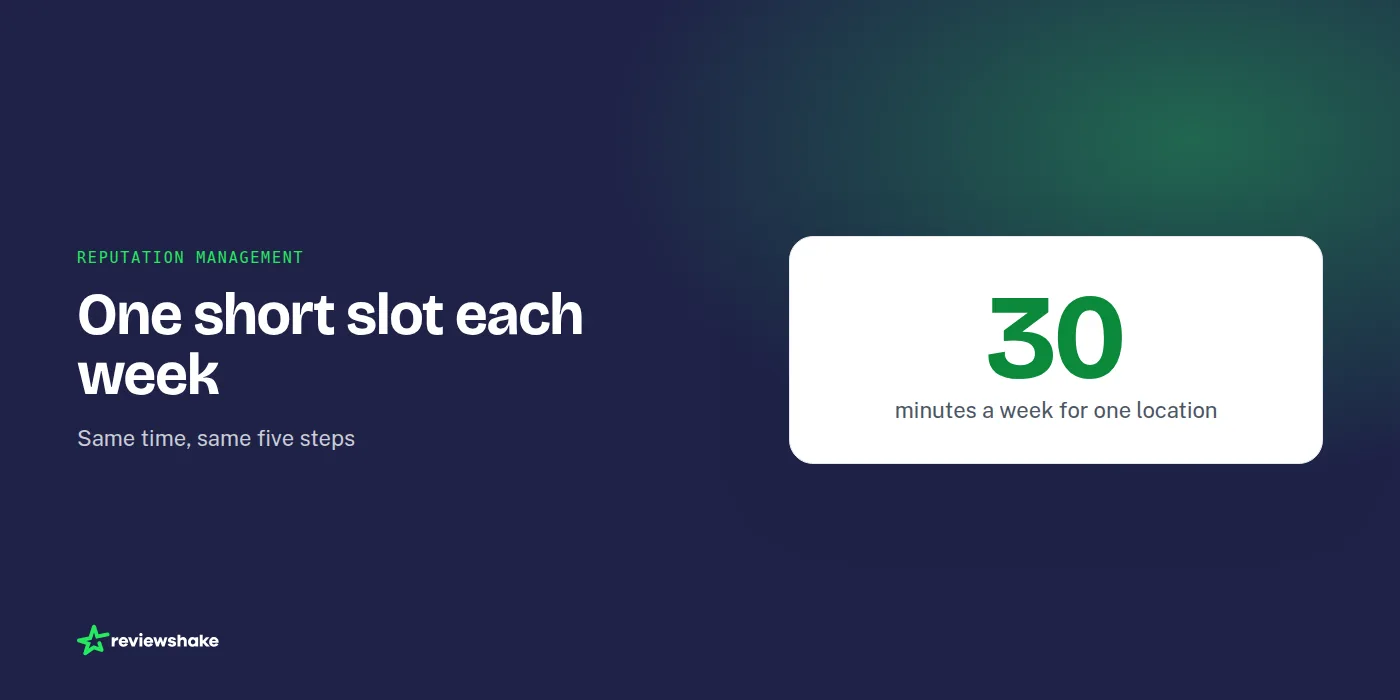
None of that takes a team. For a one-location business it takes about 30 minutes a week, if you do it the same way each time. This playbook lays out that routine, and it is honest about where software helps and where it does not.
Set up once: claim and fix your profiles
Before any routine, you need to own the places where customers find you. Start with Google, because that is where most local searches end. Then Facebook. After that, add the one or two industry sites your customers actually use.
Claim and verify
Search for your business name on Google and Maps. If you cannot edit the listing, claim it through your Google Business Profile and complete verification. Do the same for your Facebook Page. An unclaimed profile still collects reviews. You just cannot reply to them.
Make the basics match
Check that your name, address, phone number, hours and website are identical everywhere. Wrong hours cause bad reviews that have nothing to do with your service. Fixing them once saves you from a steady drip of avoidable complaints.
Do a one-time audit
Spend an hour on a baseline: your current star rating, review count, and the date of your most recent review on each site. Our guide to how to conduct an online reputation audit walks through it. Write the numbers down. You will compare against them in a month.
Ask after every job
Reviews do not arrive evenly on their own. Unhappy customers write more readily than satisfied ones, so a business that never asks ends up with a rating that skews negative. Asking is the single biggest lever you control.
Ask while the job is fresh
The best time is right after you have delivered something good: the repair is finished, the cut is done, the invoice is paid. Send the request that day. A week later, the customer has moved on.
Make it one tap
Send a direct link to your Google review page, by text or email. In person, a QR code on a receipt, a counter card or a van works well. You can make both with the free Google review link and QR code generator. If you want wording ideas, see our post on how to ask for a Google review.
Ask everyone, not just the happy ones
Do not screen customers and only send the link to people you think will be positive. Google's policy on prohibited and restricted content covers this kind of selective approach, and it is the wrong habit anyway. Ask every customer. Fix what the unhappy ones tell you.
Read Google's contributed content policy once so you know the rules, including what you should never offer in exchange for a review.
Reply to every review within a day
Replies are read by the next customer, not only by the reviewer. A calm, specific answer to a complaint tells prospects how you behave when something goes wrong. A short thank-you to a good review shows there is a person behind the business.
Positive reviews
Thank them by name, mention one detail from their review, and stop. Two or three sentences is plenty. Do not paste the same line into every reply, because it reads as automated.
Negative reviews
Wait ten minutes before you write. Then acknowledge the problem, apologize for the experience without arguing the facts, and offer a way to continue offline, such as a phone number or email. Do not reveal customer details. We have 17 response examples if you want a starting point.
Ratings with no comment
These are common. A brief thank-you is enough for a good one. For a low one, invite them to tell you what went wrong. Google explains how replies work in its help page on reading and replying to reviews.
One caution: a negative review is not automatically removable. Google generally removes reviews that break its policies, not ones that are simply unfair or unflattering. Reply well and move on.
Watch the trend, not the single review
One bad review feels like a crisis. It rarely is. What matters is the direction over weeks.
Each week, look at three things:
- Your average rating on each site compared with last month.
- Review volume: how many new reviews arrived, and how many came from your asks.
- Repeated themes: the same complaint or compliment showing up three times is a signal about your operations, not your reputation.
If your rating is stuck at 4.2 and you want to reach 4.5, the math is simple: you need enough new five-star reviews to pull the average up. Our Google review calculator guide shows how many that takes for your numbers.
The themes matter most. If three reviews in a month mention slow callbacks, no reply template will fix that. A change in how you handle calls will.
The 30-minute weekly routine
Put it in your calendar at the same time every week. Here is how we would split the half hour.
- Minutes 1 to 5: check for new reviews. Look at Google, Facebook and any other site that matters to you.
- Minutes 6 to 15: reply. Answer everything new. Flag any review that needs a phone call before you reply.
- Minutes 16 to 22: send requests. Contact every customer from the past week who has not been asked yet.
- Minutes 23 to 27: look at the trend. Rating, volume, and any repeated theme.
- Minutes 28 to 30: pick one fix. One operational change or one profile update for the coming week.
Replying within a day means you may need a quick mid-week glance too, or an email alert that tells you when something arrives. A weekly slot is the floor. If you get a negative review on a Tuesday, do not leave it until the following Monday.
What reputation management software does, and does not do
You can run this routine with a spreadsheet and three browser tabs. Plenty of owners do. Software earns its place when the tabs, the copying and the forgetting start to cost you more than the subscription.
Here is what we built Reviewshake to do. Plans start at $29 a month per location. There is a 14-day free trial with no credit card and no contract.
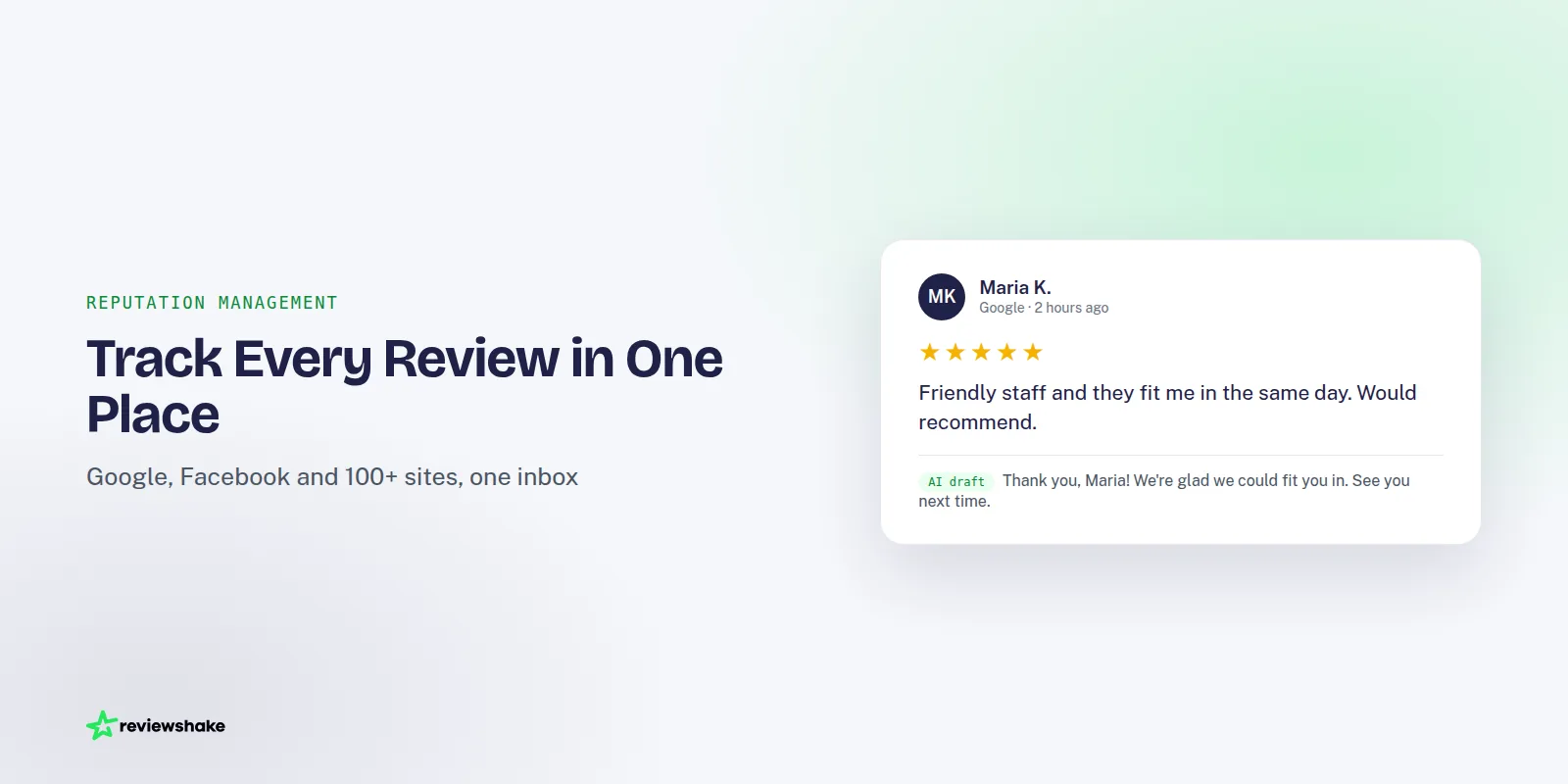
- Collects reviews from Google, Facebook and 100+ review sites into one inbox.
- Imports new reviews every 12 to 24 hours depending on the source, and emails you about new and negative ones.
- Drafts replies in your tone with AI. You can post them straight to Google and Facebook from the inbox. For other sites you get a one-click link to the reply page.
- Sends review requests by email and SMS, with campaigns, QR codes and a review landing page. You add customers by CSV, Zapier or API.
- Shows sentiment analysis, trend reports and competitor tracking, and lets you put reviews on your website with widgets.
Here is what it does not do. It does not make customers happy. It does not write the right apology for a situation it cannot see, so you should read every draft before posting. It does not remove honest negative reviews, and nothing legitimate does. And because reviews are imported every 12 to 24 hours, it is not a live feed. Email alerts keep you informed, but a daily rhythm is the right expectation.
If you are comparing options, check what each one includes at your price, and note that some competitors do not publish prices at all. Our guide to what to check in affordable review software is a useful checklist.
Frequently asked questions
How much time does reputation management for a small business really take?
Once your profiles are claimed, about 30 minutes a week for a single location. That covers replying, sending requests and a quick look at the trend. A busier business with more reviews will need more reply time.
Do I need reputation management software for a small business?
No, but it helps. The routine works with manual checks. Software removes the log-in-and-check step, drafts replies, and sends requests so they actually go out. If you only get a few reviews a month, you may not need it yet.
Can I delete a negative review?
Only if it breaks the platform's policies, for example spam, fake content or abuse. A harsh but genuine review stays. The better move is a calm public reply and a fix for the cause.
How many reviews should I ask for each week?
Ask every customer you serve. Do not set a target for how many will respond. Consistency beats volume, and a steady trickle looks more natural than a burst followed by silence.
Start small and keep it weekly
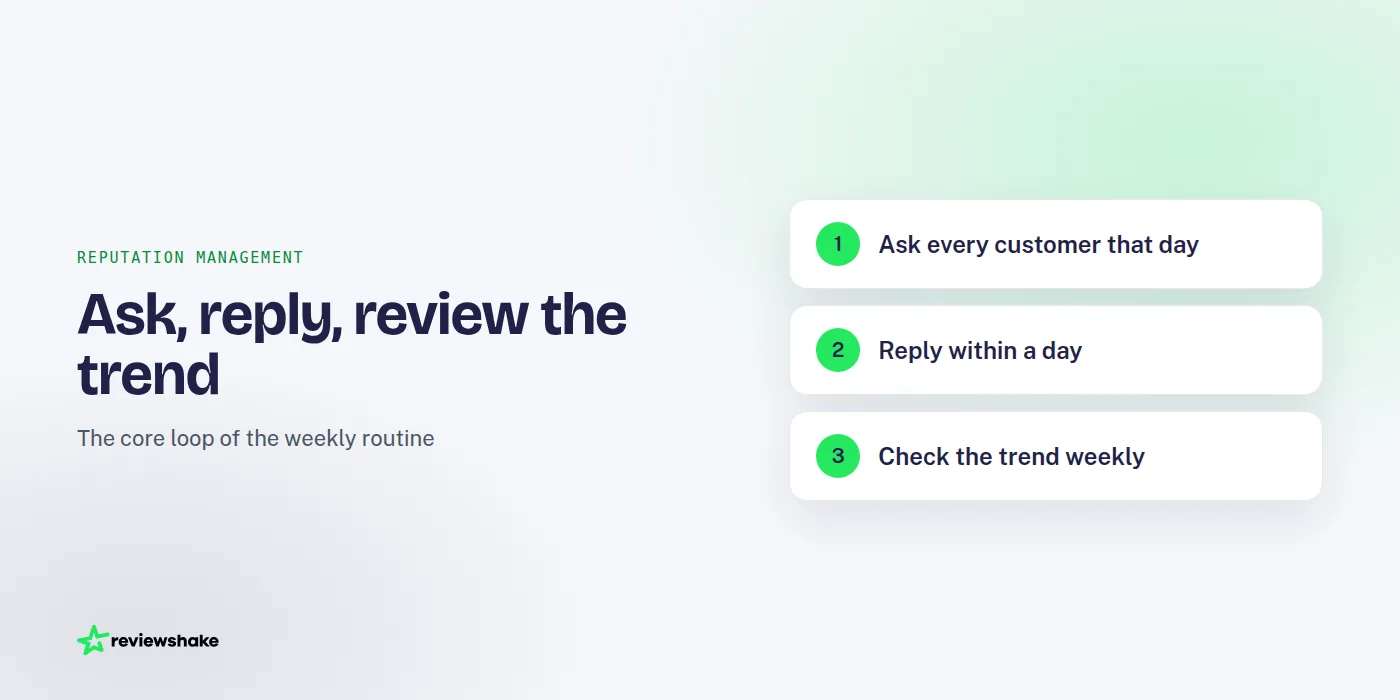
You do not need a big plan. Claim your profiles, ask every customer, reply within a day, and look at the trend once a week. That is reputation management for a small business in a sentence.
If you would like help with the repetitive parts, try Reviewshake free for 14 days. No credit card is needed, and you can see whether the inbox, the drafted replies and the review requests fit your week. If you just want to start with the basics, the free review link and QR code tools are a good first step.
More reviews. Better replies. Recommended by Google and AI.
AI answer engines and Google decide who to recommend by reading reviews. Reviewshake collects yours from 100+ sites, drafts the replies, asks happy customers for the next one, and runs white-labelled for agencies. 14 days free, no credit card.
Start free trialMore from the blog