Blog · Reputation management
Review Monitoring: How to Track Every Review Across Google, Facebook and 100+ Sites

Most business owners find out about a bad review the same way: a customer mentions it, or a friend sends a screenshot. By then the review has been public for days, and nobody has replied.
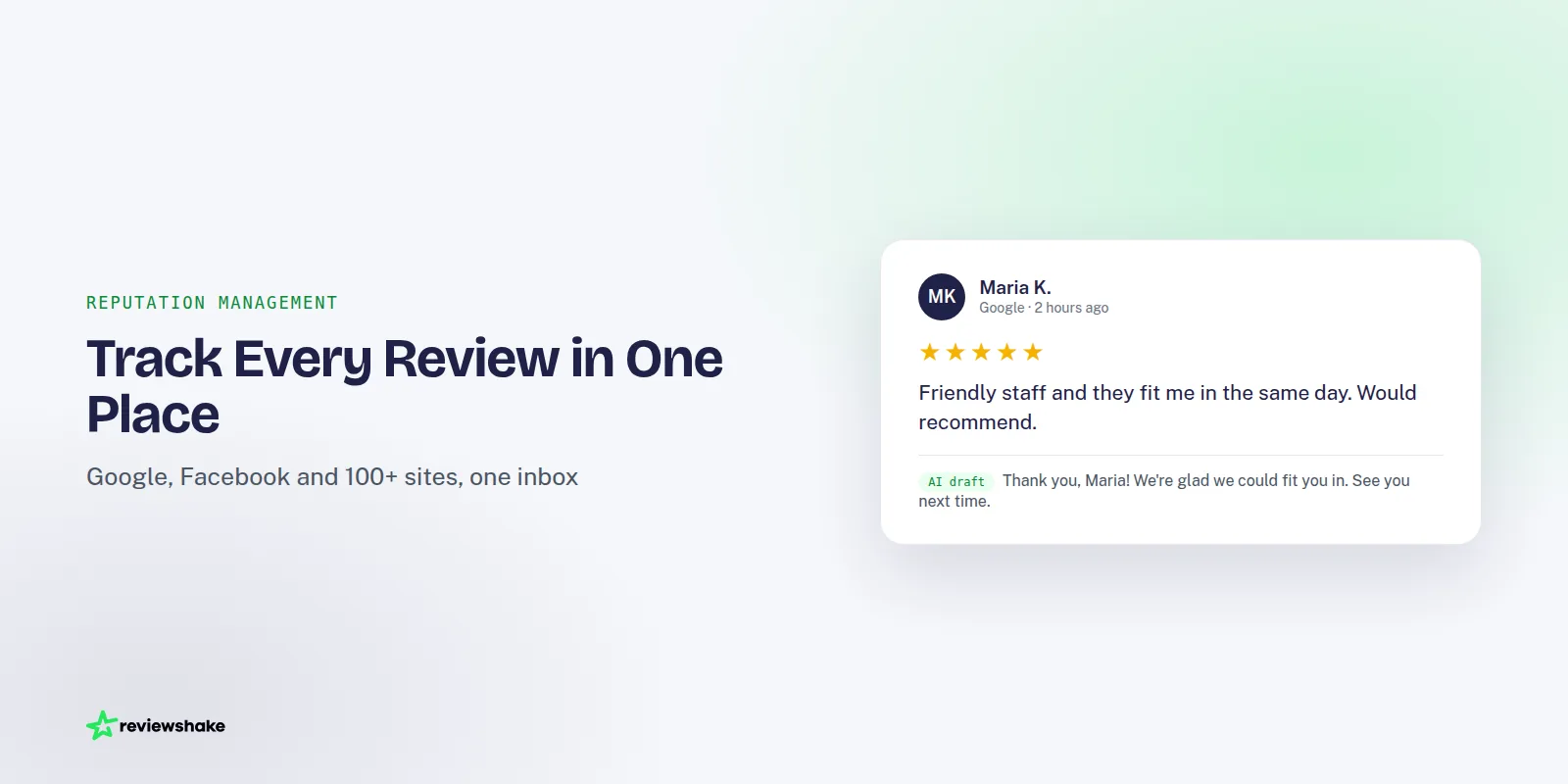
Review monitoring fixes that. It means knowing about every new review, on every site, soon after it appears, and making sure the right person sees it. This guide covers what to monitor, how to route alerts, and a weekly routine that takes about half an hour.
It is written for owners and for agency operators who watch reviews on behalf of clients. The method is the same either way.
What review monitoring actually is
Review monitoring is the habit, and usually the software, that collects reviews from every place customers leave them and puts them in one list. You see new reviews, ratings and comments without logging in to each site.
Good monitoring has three parts:
- Collection: pulling reviews from Google, Facebook and industry-specific sites into one place.
- Alerting: telling a person when something needs attention, such as a new or negative review.
- Reporting: showing how ratings, volume and sentiment change over time.
Monitoring is not the same as replying. It comes first. You cannot answer a review you have not seen. For a broader look at the business case, see our piece on why online review monitoring is essential for brand growth.
Why checking profiles by hand fails past two locations
With one location and one or two sites, manual checking works. You open Google, open Facebook, glance at the stars, and you are done in five minutes.
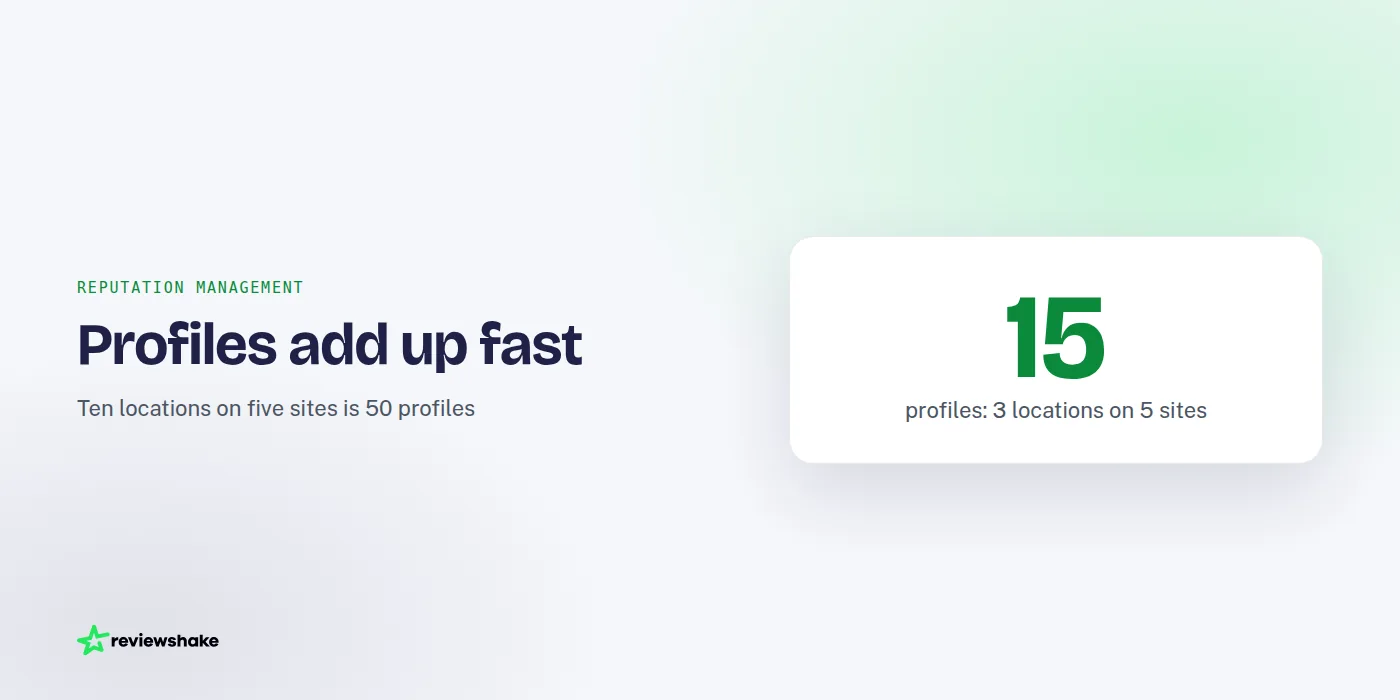
The math changes fast. Three locations on five sites is 15 profiles. Ten locations on five sites is 50. Even at two minutes per profile, that is well over an hour every time you check, and nobody keeps that up for long.
The three ways manual checking breaks
- It depends on memory. The check happens when someone remembers. During a busy week, it doesn't happen.
- It misses quiet sites. Google and Facebook get the attention. A complaint on a smaller directory or industry site can sit unanswered for months.
- It has no owner. When everyone is responsible for checking, no one is. The person who spots a bad review often assumes someone else will handle it.
Agencies feel this most. Checking profiles for a dozen clients by hand is a part-time job that adds no value for the client, and one missed review can cost you the account.
What to monitor
Not every review needs the same attention. Monitor four things, in this order of urgency.
1. New reviews
Every new review, positive or negative, deserves a look. Positive reviews are easy wins: a short, specific thank-you shows other readers that a real person is paying attention. If you need wording, our guide to responding to positive reviews has nine examples.
2. Negative reviews
These are the ones that cost you customers, so they need a faster path to a human. A one- or two-star review should reach someone who can act on it the same business day. Before replying, check whether it is a real customer. Some low ratings come from people who never used your service, and that is a different workflow from a genuine complaint. Our guide to responding to negative reviews walks through both.
3. Trends
One review is an event. Ten reviews mentioning the same problem is a pattern. Track your average rating, review volume and the topics that keep recurring, month over month.
Watch for a drop in volume too. If reviews slow down, your requests are probably slowing down, and that matters as much as a rating dip.
4. Competitors
Looking at competitors' ratings and review counts tells you where you stand locally. It also shows what customers praise or complain about in your market. You do not need a daily check. A monthly comparison is enough to spot who is gaining ground.
Route alerts to the right person
Alerts only help if they land with someone who will act. The common mistake is sending every alert to the owner's inbox, where it competes with everything else and gets ignored.
Decide who handles each type before you turn anything on:
| Alert | Who should get it | What they do |
|---|---|---|
| New positive review | Front desk or location manager | Reply with a short, specific thank-you |
| New negative review | Location manager plus owner or account lead | Investigate, then reply publicly and offer to resolve offline |
| Suspected fake review | Owner or agency lead | Check the facts, then report it through the site's official process |
| Monthly trend report | Owner and, for agencies, the client | Review themes and decide one change |
Two practical tips. First, name a backup for each role, so a holiday does not leave a one-star review sitting for a week. Second, send negative alerts to a channel people actually watch. For many teams that is a shared Slack channel rather than an email folder.
If you are unsure whether a review is genuine, our guide on how to spot fake Google reviews helps you decide before you reply or report.
A weekly review monitoring routine
Alerts handle the urgent items. A weekly routine catches everything else and keeps the process from drifting. Block 30 minutes, same day each week.
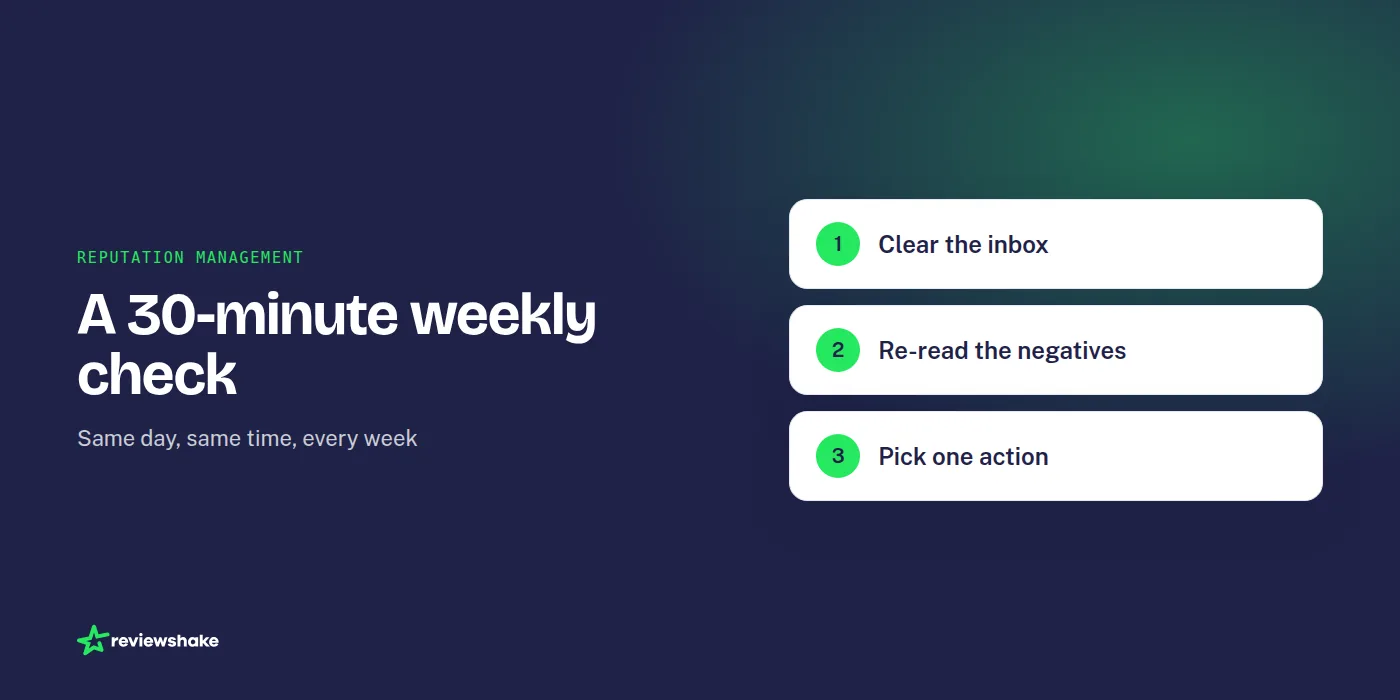
- Clear the inbox. Make sure every new review from the past week has a reply or a decision not to reply.
- Re-read the negatives. Check that each one was handled, and that any offline follow-up actually happened.
- Scan for repeats. Look for the same complaint or compliment appearing more than once across locations or sites.
- Check volume. Compare this week's review count with recent weeks. A dip usually means review requests stalled.
- Glance at competitors. Note any large jump in their ratings or counts.
- Pick one action. Fix one recurring issue, or send one more round of review requests.
That last step matters most. Monitoring that never changes anything is just watching. If you want a deeper approach to patterns, see how to use review insights to improve customer experience.
What to expect from review monitoring software
Software removes the manual part, but it is worth being clear about how it works. Most tools do not see a review the moment it is posted. They pull reviews from each site on a schedule, so there is always a delay.
At Reviewshake, new reviews are imported every 12 to 24 hours depending on the source. That is fast enough that a review will not sit unseen for a week, but it is not a live feed, and you should not build a process that assumes one. If a review is urgent, treat the alert as your starting point and check the site directly if you need to.
When you compare tools, ask these questions:
- Which sites are covered, and are the ones your customers use on the list?
- How often are reviews imported, and does the vendor say so plainly?
- Can you set separate alerts for new and negative reviews?
- Can you reply from the same screen, or do you have to switch tabs?
- Is multi-location or multi-client pricing public? If it is not, expect a sales call to find out.
Price is part of that comparison, so look at it early. Our guide to affordable review software covers what to check beyond the headline number.
FAQ
How do I monitor online reviews for free?
Check your Google Business Profile and Facebook Page notifications, and turn on email alerts where the site offers them. Then set a recurring calendar reminder to look at other sites. It works for one or two locations. Past that, the time cost usually outweighs the savings.
How often should I check my reviews?
Aim to see new reviews within a day, and to reply to negative ones the same business day where you can. Do a deeper weekly review for trends. Checking more often than daily rarely adds value.
Does review monitoring cover sites beyond Google and Facebook?
It can. Customers leave reviews on many industry-specific and local sites, and these are the ones people forget to check. Good monitoring software covers them in the same inbox as Google and Facebook.
Is review monitoring different from review management?
Monitoring is the first step: finding and tracking reviews. Management includes the rest, such as replying, asking for reviews and reporting. Many reputation management tools combine all of it.
Putting it together
Start with a simple rule: every review has an owner, and every owner knows what to do with it. Add alerts for new and negative reviews, then a weekly 30-minute check. That is enough for most small businesses.
If you would rather not build this by hand, Reviewshake is reputation management software that collects reviews from Google, Facebook and 100+ review sites into one inbox. It sends email alerts for new and negative reviews, with Slack and webhooks if you want them. You can read more on our review monitoring and response page and see pricing, including agency plans. There is a 14-day free trial with no credit card and no contract, so you can see whether it fits before you commit.
More reviews. Better replies. Recommended by Google and AI.
AI answer engines and Google decide who to recommend by reading reviews. Reviewshake collects yours from 100+ sites, drafts the replies, asks happy customers for the next one, and runs white-labelled for agencies. 14 days free, no credit card.
Start free trial