Blog · Reputation management
Hotel Reputation Management: A Practical Guide for Independent Hotels

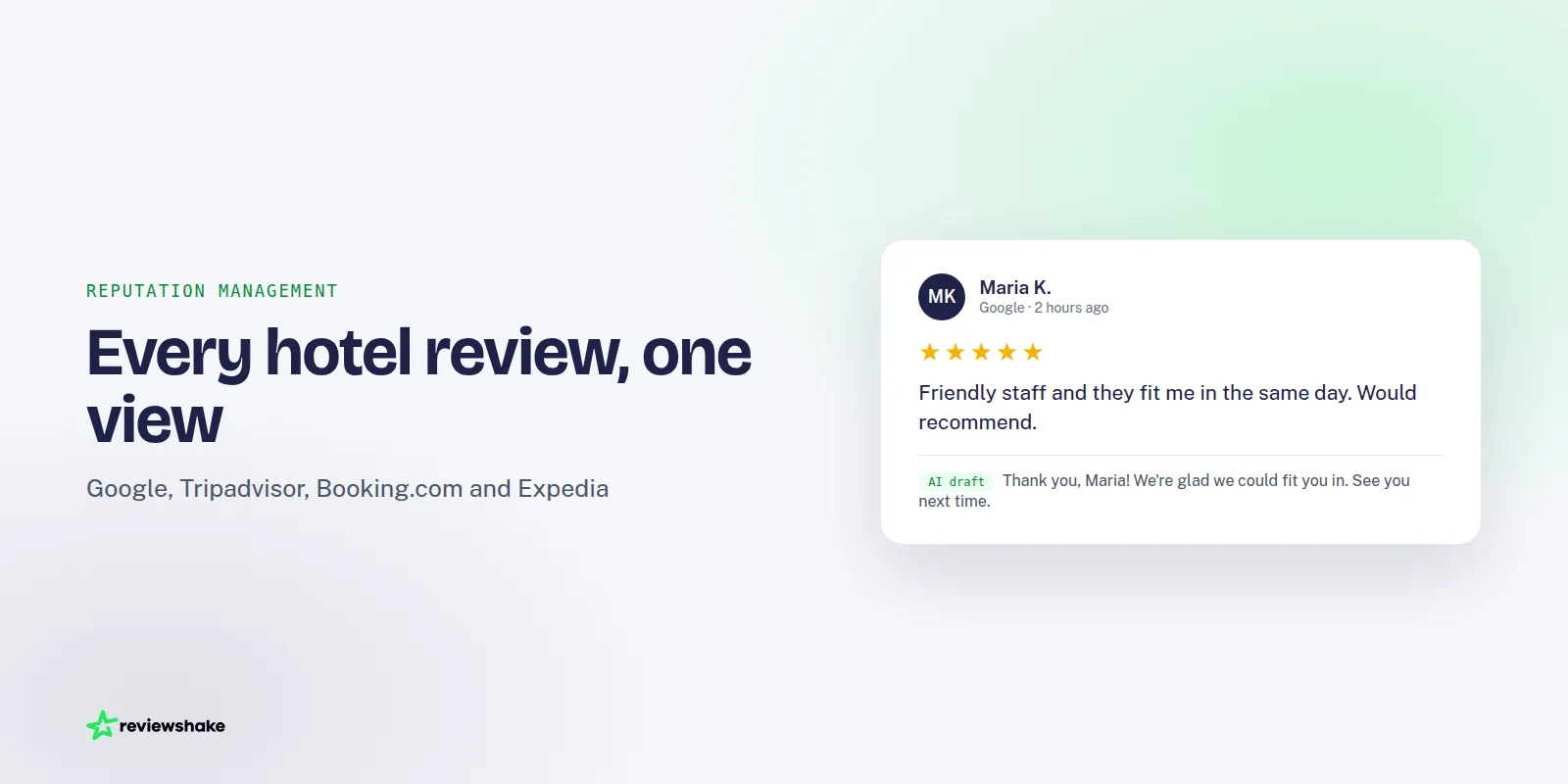
A guest deciding where to stay rarely reads one review site. They check Google, glance at Tripadvisor, scroll the Booking.com or Expedia listing, and compare. Your reputation is the sum of all of those places, and you only control it if you can see all of them.
This guide is for independent hotel owners, general managers and the agencies that look after them. It covers where hotel reviews live, what guests actually read, how to reply on a booking site, how to ask for reviews at checkout, and how to report across more than one property. It is the practical side of hotel reputation management, without the jargon.
Where hotel reviews live
Hotels are unusual because reviews are split between open platforms and booking platforms. Each one has a different audience and different rules, so it helps to treat them separately.
Google reviews appear on your Business Profile in Search and Maps. They are often the first thing a guest sees when they search your hotel name, and anyone with a Google account can leave one. If you only have time to focus on one source, make it this one.
Tripadvisor
Tripadvisor is still a research destination for travelers comparing hotels in a city. Guests often read the longer, more detailed reviews here, and they notice whether management replies.
Booking.com and Expedia
OTA reviews are tied to the booking platform, and these sites generally build their review systems around guests who actually booked and stayed. That makes them feel credible to readers. They also show up right at the moment of purchase, next to the room price and the Book button.
Facebook and other sites
Facebook recommendations and a long tail of smaller travel and local sites add to the picture. Individually they matter less, but together they affect how complete your reputation looks. Our guide to tracking every review across Google, Facebook and 100+ sites explains how to keep that tail under control.
What guests actually read
Most guests do not read every review. They look at the overall rating, scan the newest few, and then open one or two negative reviews to see what the worst case looks like. That last step is the one hotels underestimate.
A single complaint about noise, cleanliness or a rude front desk can outweigh a dozen warm reviews if it is recent and unanswered. A calm, specific reply from the owner or manager changes how that complaint reads. Future guests are not judging the reviewer so much as judging you.
Here is what we would look at on each platform when you audit your own listing:
- The overall rating and how it compares with the hotels guests will compare you to.
- The most recent reviews, because recency tells a guest how the hotel is today.
- Repeated themes, such as breakfast, parking, Wi-Fi or room temperature.
- Whether management replies, and whether the replies sound like a person.
- Gaps between platforms, such as a strong Google rating and a weak OTA score.
If you want a structured way to do this, our walkthrough on how to conduct an online reputation audit works well for a single property.
Replying to the OTA review
OTA replies are where hotels most often go quiet. The extranet is a separate login, nobody checks it daily, and the review sits there unanswered for weeks. Yet that is the page a guest is reading just before they book.
Keep the reply short and specific
Thank the guest, refer to one real detail from their stay, and say what you are doing about it if there is a problem. Two to four sentences is plenty. Avoid copy-pasted lines that could apply to any hotel.
Do not argue in public
Even when a review is unfair, the reader is the next guest, not the reviewer. Acknowledge, correct a factual error politely if you must, and offer to continue offline. For wording ideas, see these 17 negative review response examples.
Keep private details out
Do not mention room numbers, dates of stay, booking details or anything else that identifies the guest beyond what they wrote. A reply is public and permanent.
Know how replies get posted
Google and Facebook replies can be posted from a central inbox. OTA replies usually have to be posted on the OTA's own reply page. With Reviewshake, the AI-drafted reply is posted directly to Google and Facebook from the inbox, and for other sites you get a one-click link to the reply page, so you are not hunting through extranets.
Asking for reviews at checkout
Guests who had a good stay rarely think to write about it unless someone asks. The best moment is soon after checkout, while the stay is fresh, and the simplest method is a short message with one link.
- Decide where you want reviews. For most independent hotels, that is Google first, then whichever travel site matters most in your market.
- Make the link easy. A direct Google review link means the guest lands on the review box in one tap. Our free Google review link and QR code tools will create one in a minute.
- Ask in person and in writing. A friendly word at the front desk, followed by an email or text, works better than either alone.
- Put a QR code where guests already look. Think checkout cards, room key sleeves or the breakfast area.
- Ask everyone, not just the happy ones. Cherry-picking breaks platform rules, and a steady flow of honest reviews also looks more trustworthy.
Do not offer discounts or perks in exchange for reviews, and do not buy them. Google's own policy on this is clear, and we cover the risks in can you buy Google reviews. If you need message wording, our 15 review request templates are a good start.
Reviewshake can send review requests by email and SMS, with campaigns, QR codes and a review landing page. You can add guests by CSV, through Zapier or via the API, so a property management system export is enough to get going.
Building a simple weekly routine
You do not need a reputation department. You need a short routine that someone owns. Here is one that fits a small team.
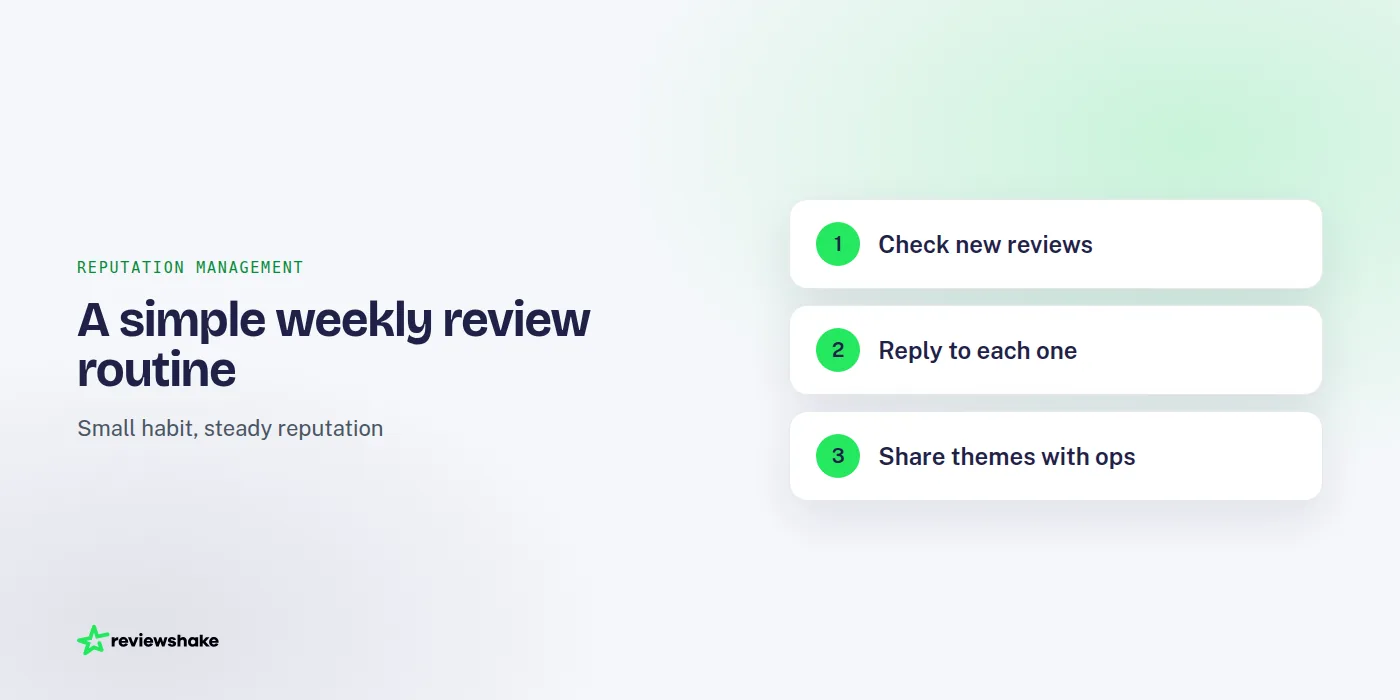
Check new reviews
Once or twice a week, go through everything new across all platforms. Flag anything negative or urgent for the general manager, and note any service issue that keeps repeating.
Reply
Reply to every review you can, positive and negative. Positive replies can be quick and warm. Negative ones deserve a minute of thought before posting.
Feed it back to operations
Reviews are free feedback from guests. If three people mention slow check-in, that is a staffing or process question, not a marketing one. Our post on using review insights to improve customer experience goes deeper on this.
Reporting across properties
Once you manage more than one hotel, or serve hotels as an agency, the problem changes. You are no longer asking whether one listing looks good. You are asking which property is slipping and why.
A useful report for an owner or group does not need to be long. It should show, per property:
- New reviews and average rating for the period
- Reply coverage, meaning how many reviews got a response
- Recurring topics, positive and negative
- How the property compares with nearby competitors
Reviewshake includes sentiment analysis, trend reports and competitor tracking, plus white-label PDF reports for agencies. Our review insights and reporting page shows what that looks like. A word of caution: sentiment scores are a starting point, not a verdict, so read the actual comments behind any number.
What to look for in hotel reputation management software
You can run all of this by hand with spreadsheets and a lot of logins. Software earns its place when the number of sources or properties makes that unrealistic. When you evaluate hotel reputation management software, check these points:
- Coverage. Does it pull in the specific sites your guests use, including your OTAs? Ask for the exact list rather than assuming.
- One inbox. Reviews from every source in one place, with alerts for new and negative ones.
- Replies. Can you reply where the platform allows it, and get a quick path to the reply page where it does not?
- Review requests. Email, SMS and QR codes, fed from your guest data.
- Multi-property reporting. Per-location and group views.
- Clear pricing. If a vendor does not publish a price, treat that as information.
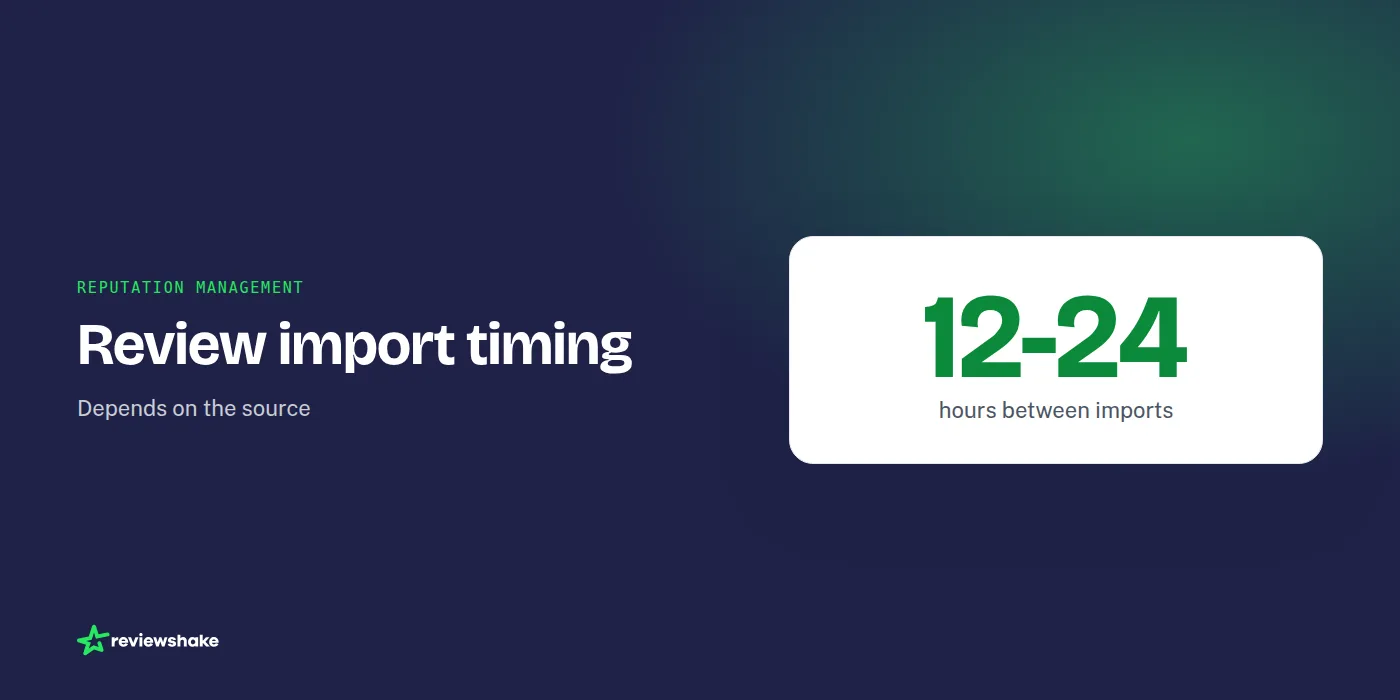
For a quick sense of timing, Reviewshake imports new reviews every 12 to 24 hours depending on the source, and sends email alerts for new and negative reviews, with Slack and webhooks as options. That is worth comparing across any tool you consider, because it determines how quickly you notice a problem.
Frequently asked questions
What is hotel review management?
Hotel review management is the day-to-day work of collecting guest reviews, monitoring them across platforms, replying, and using the feedback to improve. It is one part of the wider job of hotel reputation management.
Should I reply to every hotel review?
Aim to, yes. Replies show future guests that someone is paying attention. If time is short, start with negative reviews and the most recent ones, then work backward.
Can I remove a bad review from Google or an OTA?
Only if it breaks the platform's policies, for example fake content or harassment. A review that is merely critical stays. Our guide to Google review removal explains how to flag one properly, and the best response to a fair complaint is a good reply.
How many reviews do I need?
There is no magic number. A steady flow of recent reviews matters more than a large old total, so build the habit of asking every guest.
Where to go from here
Start small. Audit your listings, set a weekly reply routine, and add a review request to checkout. That alone puts you ahead of many hotels in your market.
When the manual version gets heavy, that is where Reviewshake helps. It is reputation management software for agencies and the businesses they serve, with plans from $29/month per location, agency plans from $199/month that are fully white-labelled, and a 14-day free trial with no credit card and no contract. You can read how it fits hotels on our hotel review management software page, and we are happy to answer questions if you are unsure.
More reviews. Better replies. Recommended by Google and AI.
AI answer engines and Google decide who to recommend by reading reviews. Reviewshake collects yours from 100+ sites, drafts the replies, asks happy customers for the next one, and runs white-labelled for agencies. 14 days free, no credit card.
Start free trialMore from the blog